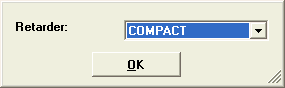
Retarder or VEB selection can only be done when you calculate Engine brake, graph or gradient. The retarder or VEB selection will only effect the results in these two calculations.
2013-11-06
Following options are found under Calculations>>Options in the Main Menu.
Retarder or VEB selection can only be done when you calculate Engine brake, graph or gradient. The retarder or VEB selection will only effect the results in these two calculations.
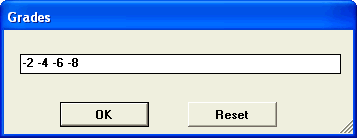
For some calculations (e.g. Power at Driving Wheels), the calculation programs can show grades (hill inclinations) on the graph results. The Grade is a % figure. For instance 3% means that on 100m road distance, the road inclines 3 m vertical.
If you don’t change anything, the application default grades will be used, but you can also type in your own grade.
Reset means that the default grades are restored.
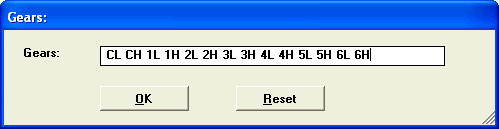
The calculation will be done for selected gears. The result will be shown only for selected gears. This option shortens the printouts. The default is set for all gears.
Reset means that the default grades are restored.
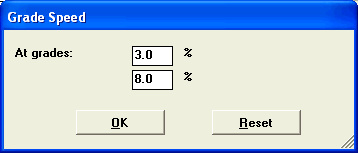
This all window allows to change grades when calculating Grade Speed in Performance Summary.
Default value are 3% and 8%.
Grade speed calculate the maximum speed at selected grades by finding the maximum speed point in Tractive Effort that satisfy the selected inclination.
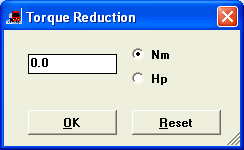
When using Bus components an extra option appears. This allows you to reduce the torque curve by a fixed value. PERF does not include calculation with air-condition power take off. To calculate you can reduce the torque curve by a fixed value. Contact you bus dealer for information.