Save stores the current specification with the old ID (same ID) in the PERF Specification database.
The PERF Specification database is found in the PERF directory>>Data>>spec.mdb.



2013-11-06
Following options are found under File in the Main Window Menu.
Open retrieves a saved specification from PERF database.
Save stores the current specification with the old ID (same ID) in the PERF Specification database.
The PERF Specification database is found in the PERF directory>>Data>>spec.mdb.
For a new specification of a truck or when you want to make a copy of an existing specification saved in the PERF Specification database, you can save the specification under a new ID.
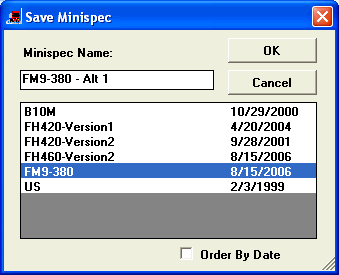
Deletes the selected specification ID from PERF Specification database.
Open File, Save File, Save File As
On this screen all access against the Saved Specification database is done. You can Open, Save and Save As (save with new given ID). To save Specification as File is an advantage when sharing specifications with other users.
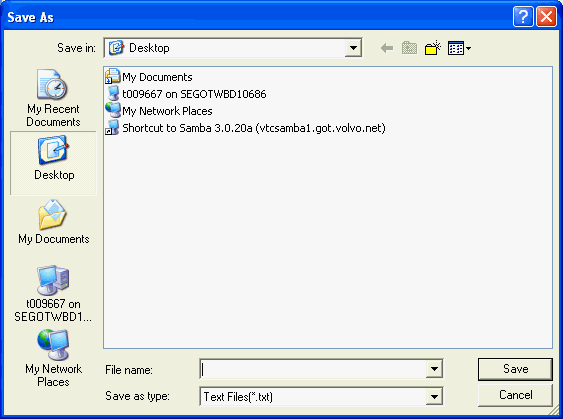
Changes the default directory to the users Spec directory. Next time when the user chooses Open or Save File, the Spec directory will come up.
Changes the default directory to the Global Spec directory. Next time when the user chooses Open or Save File, the Global Spec directory will come up. This menu is only available in Perf in the VSS4 environment. The Global Spec directory is open for all users to save their Perf specs in. The purpose is to be able to share a Perf spec with someone else.
Clear means that the currently chosen specification or alternative is cleared (not deleted from database). If you Clear while Spec is chosen, all entered Alternatives are also cleared.
Exit leaves the PERF program.